OPR-18 · HOW IT WORKS · ≈60 SEC
HOW OPERATOR WORKSPACE WORKS
Workover ERP gives every operator a simple tablet workspace: My Day shows their assigned jobs in order, Job Focus puts the drawing, specs, and operation steps at the machine, the Time Card runs on one-tap clock-ins, and Messages replaces the walk across the shop — no ERP training required.
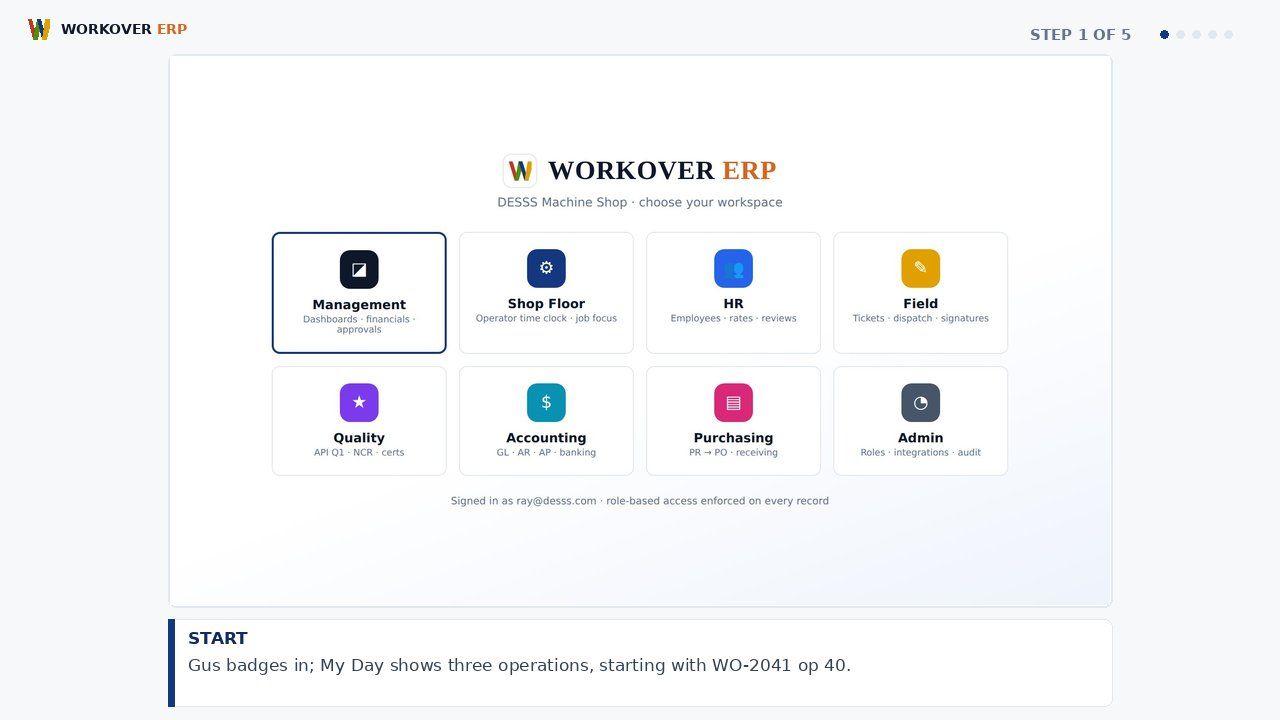
ABOUT THIS MODULE
Step-by-step walkthrough of Operator Workspace in Workover ERP: start; focus; run; flag. Watch the storyboard and grab the voiceover script.
Explore the Operator Experience module → · All module videos →
RELATED WALKTHROUGHS
Modules that share this workflow — each one runs about sixty seconds.
How Job Clock, Timesheets & Payroll Works in Workover ERP
Step-by-step walkthrough of Job Clock, Timesheets & Payroll in Workover ERP: clock in; post; approve; pay.
How Job Routing & Travelers Works in Workover ERP
Step-by-step walkthrough of Job Routing & Travelers in Workover ERP: release; route; hold; close.
How Field Ticketing Works in Workover ERP
Step-by-step walkthrough of Field Ticketing in Workover ERP: work; ticket; sign; bill.
SEE IT ON YOUR DATA.
30 minutes, your real job on our screen — quote, traveler, invoice, end to end.